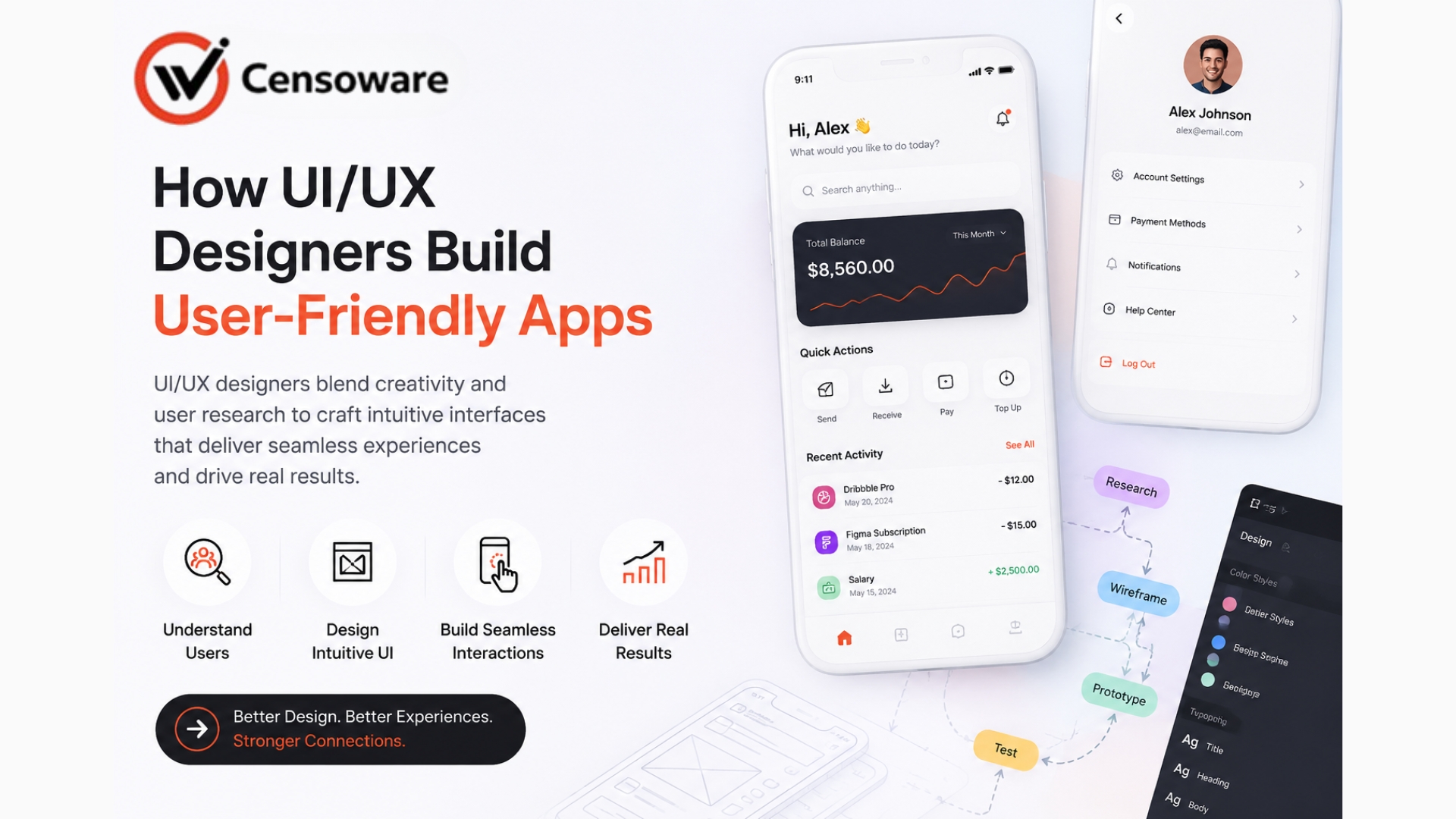
How UI/UX Designers Build User-Friendly Apps
Businesses that adopt custom software consistently save 30-50% more time on core operations compared to those stuck with generic applications. Off-the-shelf software forces companies to adapt workflows around rigid features. Custom software adapts to the business, automating exactly what matters most while integrating seamlessly with existing systems.
- Introduction
- What Custom Software Means
- Why Time Savings and Productivity Are Business Foundations
- How Custom Software Outperforms Generic Tools
- Types of Custom Software That Save Time
- How to Build a Custom Software Plan That Works
- Why Custom Software Delivers Compounding ROI
- Frequently Asked Questions
Businesses that adopt custom software consistently save 30-50% more time on core operations compared to those stuck with generic applications. The reason is simple. Off-the-shelf software forces companies to adapt workflows around rigid features. Custom software adapts to the business, automating exactly what matters most while integrating seamlessly with existing systems.
This guide explains how custom software saves time and boosts productivity and why it is one of the smartest technology investments any growing business can make.
What Custom Software Means
Custom software are purpose-built applications designed specifically for one company's unique processes, data needs, and goals. Unlike generic SaaS tools trying to serve everyone, custom solutions eliminate unnecessary features while automating exactly what your team does daily.
In practical terms, custom software includes internal dashboards, workflow automation platforms, customer portals, inventory systems, and reporting tools. Each solves a specific business problem: streamlining HR onboarding, automating order fulfillment, creating real-time analytics, or building client-facing SEO-optimized websites.
What separates custom software from packaged solutions is the perfect fit. When your inventory system speaks directly to your CRM without manual data entry, employees focus on revenue-generating work instead of fighting clunky interfaces or endless workarounds.
Why Time Savings and Productivity Are Business Foundations
Time is your most finite resource. Every hour spent on manual data entry, status meetings, or fixing software limitations represents a lost opportunity. Businesses lose 20-30% of employee productivity wrestling with tools not designed for their reality.
Productivity compounds when teams work faster. A sales rep closing one extra deal weekly generates thousands monthly. An accountant processing invoices 3x faster handles growth without hiring. Custom software creates these multipliers by removing friction from daily workflows.
In competitive markets like India, where labor costs rise but margins tighten, time savings translate directly to profit. Companies using custom automation report 40% faster project delivery and 25% higher customer satisfaction, both fueling sustainable growth.
How Custom Software Outperforms Generic Tools
Custom solutions integrate natively with your existing tech stack. No more CSV exports between QuickBooks and your warehouse system. No more re-entering customer data across platforms. Single-click sync keeps everything current automatically.
Automation handles repetitive tasks at scale. Custom scripts process 1,000 invoices daily instead of 100. Dynamic dashboards show real-time KPIs instead of weekly Excel reports. Mobile-friendly interfaces let field teams update inventory from phones, not desks.
Error reduction alone saves thousands. Manual data entry creates 1-4% error rates; automation drops this near zero. When your SEO-optimized website auto-generates meta tags and mobile-responsive layouts based on content updates, marketing teams focus on strategy, not HTML tweaks.
Types of Custom Software That Save Time
Not all custom solutions deliver equal impact. The highest-ROI types target the biggest pain points with measurable time savings.
Workflow Automation Platforms
Custom apps replace 5-10 manual steps with single buttons. HR onboarding drops from 2 days to 30 minutes when documents auto-populate and route for signatures.
Integrated Dashboards
Real-time views combine CRM, inventory, and financials. Managers see true business health instantly instead of waiting for reports.
Customer Portals
Self-service interfaces cut support calls 60%. Clients check order status, download invoices, and submit requests 24/7 without emailing teams.
Mobile-First Applications
Field sales, delivery, and service teams update data instantly. No more evening data entry; productivity extends beyond office hours.
SEO-Optimized Content Systems
Auto-generate mobile-friendly pages with proper meta tags, schema markup, and responsive design. Marketing publishes 5x faster without developers.
E-commerce Backend
Custom inventory sync prevents overselling. Dynamic pricing adjusts automatically based on stock and demand.
How to Build a Custom Software Plan That Works
Start with clear pain points. Document your three biggest time-wasters: "Weekly inventory reports take 8 hours" or "Client onboarding requires 15 manual steps." Quantify current vs. desired time.
Step 1: Map Current Workflows
Chart every process from start to finish. Identify automation opportunities, integration gaps, and manual handoffs. Tools like Lucidchart make this visual and shareable.
Step 2: Define Must-Have Features
Prioritize by impact. "Real-time inventory sync" beats "fancy charts." Start with an MVP solving one core problem perfectly rather than everything.
Step 3: Choose the Right Development Partner
Look for niche expertise matching your industry. Indian dev firms deliver 40% faster at half Western costs. Require live demos of similar projects.
Step 4: Build Mobile-First, SEO-Ready
Every custom app must work flawlessly on phones. Use responsive frameworks (Flutter and React Native). Include clean URLs, fast load times, and schema markup for organic discoverability.
Step 5: Plan a Phased Rollout
Phase 1: Core automation (60 days). Phase 2: Mobile access (30 days). Phase 3: Reporting and integrations (45 days). Train users incrementally to ensure smooth adoption at every stage.
Step 6: Measure ROI monthly.
Track time saved (hours per week), error reduction, and revenue impact ($ per month). Expand successful modules and eliminate underperformers based on real data.
Implementation Tip: Start small. A custom inventory tracker for one warehouse proves its value before enterprise rollout.
Why Custom Software Delivers Compounding ROI
Initial development costs 5-10x more than SaaS subscriptions. But custom eliminates $50K+ annual productivity losses. Abandoned cart recovery built once recovers revenue forever. Mobile-friendly client portals cut support costs permanently.
Scalability compounds benefits. As you grow from 10 to 100 employees, custom workflows scale effortlessly, while generic tools require expensive upgrades or hit user limits that slow your team down.
Indian businesses adopting custom software report 35% faster growth rates. When your ERP syncs perfectly with GST compliance modules and mobile delivery apps, competitors playing catch-up with misfit SaaS cannot match your speed.
Frequently Asked Questions
1. What makes custom software better than SaaS tools?
Custom fits your exact workflows, integrates natively, and scales without user limits or feature bloat. SaaS forces adaptation; customization eliminates it.
2. How much time does custom software actually save?
30-50% on repetitive tasks, 60-80% on reporting. Total productivity gains average 25-40% across departments.
3. What is the real cost of building vs. buying?
Custom costs $20K-100K upfront but eliminates $50K+ annual SaaS and productivity losses. ROI hits within 12-18 months.
4. How do I make custom software mobile-friendly?
Use responsive frameworks (Flutter or React Native), test on real devices, prioritize thumb-friendly navigation, lazy-load images, and ensure a minimum of 44px touch targets.
5. Does custom software help SEO?
Yes. Clean URLs, fast load times, mobile optimization, auto-generated schema markup, and crawlable architecture boost organic rankings significantly.
Conclusion
Custom software transforms time-wasters into competitive advantages. By automating exactly what your business needs while building SEO-optimized, mobile-ready interfaces, you create efficiency engines that compound value for years. Start with one high-impact workflow, measure results, then scale systematically. That approach turns technology from expense into exponential growth driver.