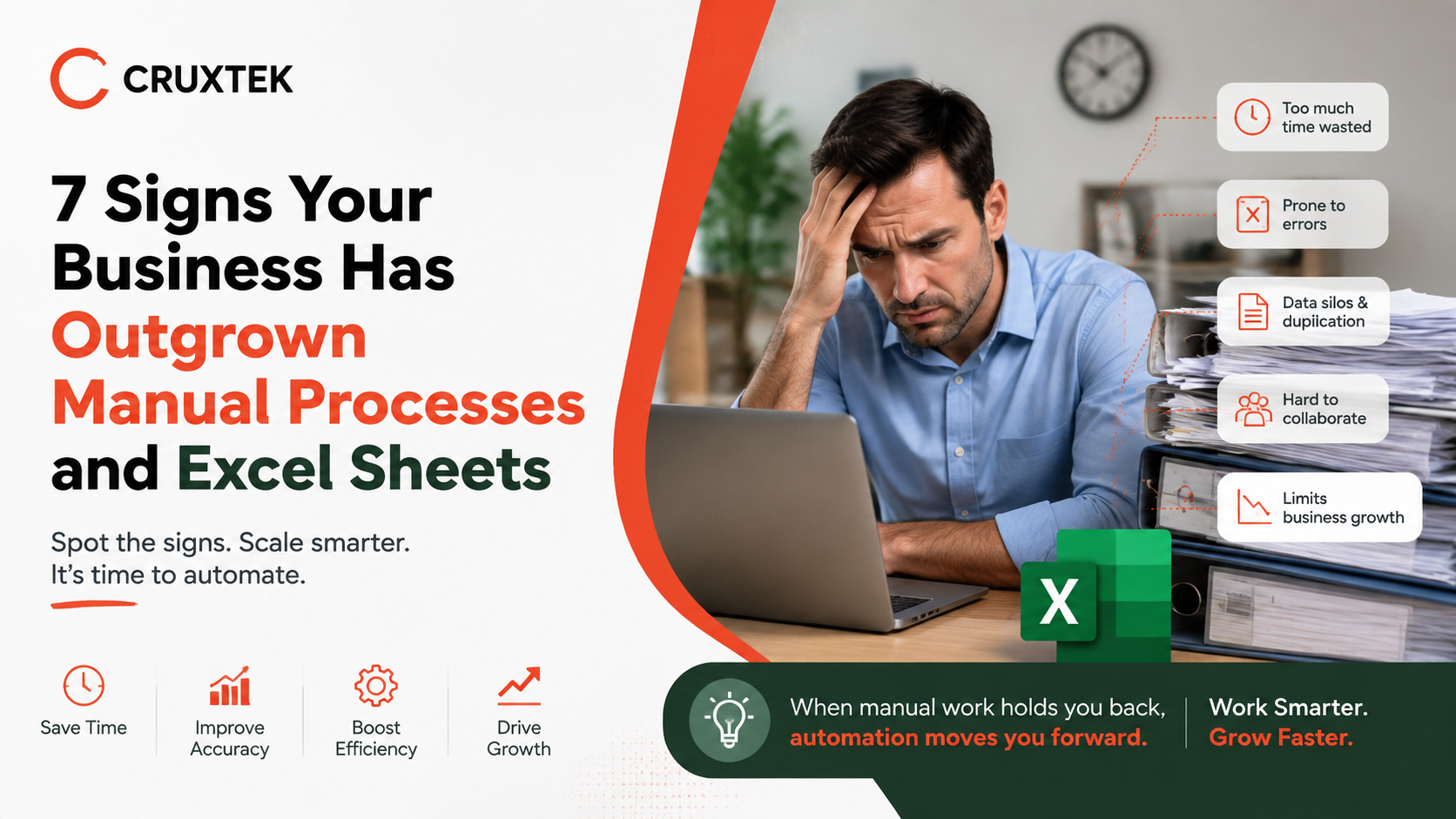
7 Signs Your Business Has Outgrown Manual Processes and Excel Sheets
Discover the key indicators that spreadsheet-based systems are holding back your operational efficiency, growth, and decision-making.
- Introduction
- 1. Multiple People Editing the Same Spreadsheet
- 2. Data Entry Errors Becoming Frequent
- 3. Reports Take Too Long to Prepare
- 4. Information Scattered Across Files
- 5. Business Outgrown One Person Management
- 6. Scaling Feels Increasingly Difficult
- 7. Decisions Made Without Reliable Data
- Frequently Asked Questions
Excel and manual processes serve small, simple businesses well in the early stages. A single spreadsheet can track sales, manage a handful of customers, or organize a small inventory without much trouble. But as a business grows, the same tools that once felt efficient often become the biggest source of delay, error, and missed opportunity.
This guide walks through seven common signs that a business has outgrown manual processes and spreadsheet-based systems, along with what those signs typically mean for day-to-day operations and long-term growth.
What This Guide Covers
- The clearest warning signs that manual processes are holding your business back.
- Why Excel-based systems that once worked eventually stop scaling.
- The hidden risks businesses take on by staying with manual workflows too long.
- What to consider when deciding it is time to move to dedicated software.
1. Multiple People Are Editing the Same Spreadsheet
When more than one person needs to update the same spreadsheet regularly, problems tend to follow quickly. Version conflicts, overwritten data, and confusion over which copy is the most current become routine issues. Teams often resort to naming files things like 'Final_v3' or 'Updated_Copy' just to keep track, which is itself a sign the system has stopped working.
Dedicated software solves this by allowing multiple users to work within the same system simultaneously, with changes reflected in real time and a clear record of who updated what and when.
2. Data Entry Errors Are Becoming More Frequent
Manual data entry is inherently prone to human error, and the likelihood of mistakes increases as transaction volume grows. A misplaced decimal, a duplicated row, or a formula that breaks after a new column is inserted can quietly cause inaccurate reports without anyone noticing right away.
As these small errors accumulate, they can lead to real financial or operational consequences, from incorrect inventory counts to inaccurate customer billing. Businesses that outgrow manual processes often find that the time spent finding and fixing these errors exceeds the time it would take to manage the same data in proper software.
3. Reports Take Too Long to Prepare
In a manual system, generating a report often means pulling data from several spreadsheets, cross-referencing numbers, and manually building charts or summaries. What should take minutes ends up taking hours, and by the time the report is finished, the underlying data may already be outdated.
Businesses that have outgrown Excel typically need reporting that updates automatically and reflects current data at any given moment, rather than a snapshot that required significant manual effort to produce.
4. Information Is Scattered Across Different Files and Tools
As businesses grow, it becomes common for customer information to live in one spreadsheet, inventory in another, and financial records in a completely separate tool. This fragmentation makes it difficult to get a complete picture of the business without manually combining data from multiple sources.
When teams spend significant time simply locating the right file or reconciling numbers between systems, it is usually a sign that the business needs a centralized platform where information is stored and updated in one place.
5. The Business Has Outgrown What One Person Can Manage
Many manual systems work because one person, often an owner or a long-tenured employee, understands exactly how everything fits together. This creates a serious dependency risk. If that person is unavailable, makes a mistake, or leaves the business, the entire system can become difficult for anyone else to manage.
Dedicated software reduces this risk by standardizing processes in a way that does not depend on one individual's personal knowledge or memory of how the spreadsheet works.
6. Scaling Feels Increasingly Difficult
A spreadsheet that handled fifty customers may struggle badly at five hundred. As transaction volume grows, manual systems tend to slow down, become harder to navigate, and require more manual maintenance just to keep functioning. Businesses often notice that growth, which should feel like an achievement, instead creates more administrative strain than the business can comfortably absorb.
This is one of the clearest signs that a business has outgrown its current tools, since the system that once supported growth has started to work against it.
7. Leadership Is Making Decisions Without Reliable Data
When reports are delayed, inconsistent, or prone to error, leadership often ends up making decisions based on incomplete or outdated information. Over time, this can lead to missed opportunities, inaccurate forecasting, or decisions that would have been made differently with accurate, real-time data.
Businesses that recognize this pattern usually find that investing in proper systems pays for itself quickly, simply by improving the quality of the decisions being made.
Frequently Asked Questions
1. Is it normal for small businesses to start with Excel?
Yes. Spreadsheets are a reasonable starting point for many small businesses. The concern is not using Excel initially, but continuing to rely on it after the business has grown beyond what it can reliably support.
2. How do I know if it is time to move away from spreadsheets?
If you recognize several of the signs described above, particularly frequent errors, scattered data, or slow reporting, it is usually a strong indication that dedicated software would better support the business.
3. Does switching from Excel require a complete system overhaul?
Not necessarily. Many businesses transition gradually, starting with the area causing the most friction before expanding to other parts of the business.
4. Are these signs only relevant to larger businesses?
No. Even small businesses can outgrow manual processes quickly, especially if they experience fast growth in customers, transactions, or team size.
5. What is usually the first step after recognizing these signs?
Most businesses start by identifying which manual process is causing the most delay or error, then look for dedicated software designed specifically to manage that function.
Final Thoughts
Manual processes and Excel sheets are not inherently bad tools; they simply have limits. Recognizing when a business has reached those limits is one of the most valuable steps an owner or manager can take, since continuing to rely on outdated systems tends to create more risk and inefficiency the longer it continues.
Businesses that address these warning signs early are typically able to scale more smoothly, make better decisions, and avoid the larger disruptions that come from waiting too long to modernize their systems.
Censoware builds custom software solutions to help growing businesses transition smoothly from manual processes to scalable digital platforms. Ready to upgrade your business systems?
Talk to our experts today.